Store Central Services
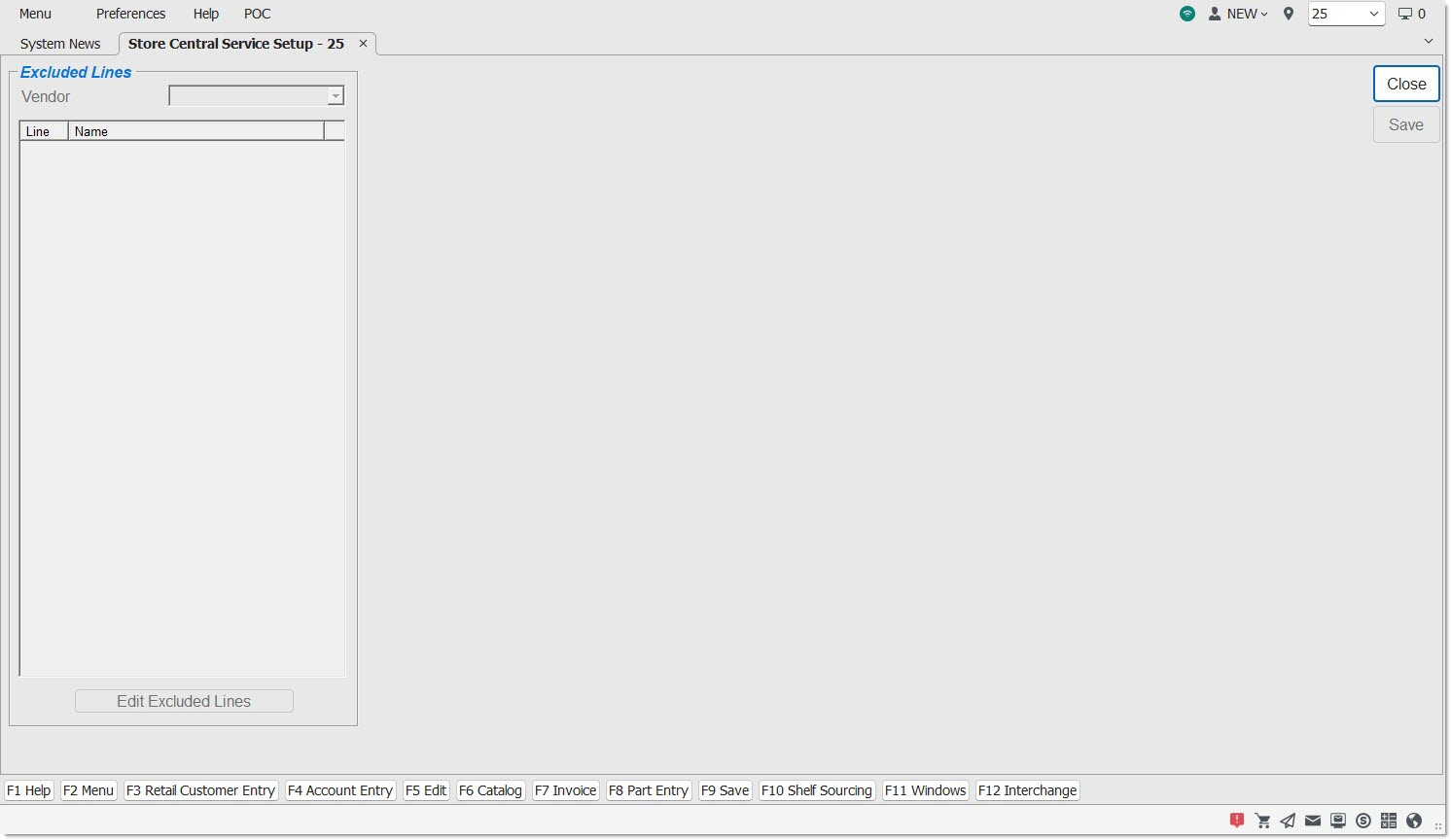
The STORE CENTRAL SERVICE SETUP screen is used to enable users for all Central Services to maintain a list of lines excluded from having their part prices and costs updated from the Central Service "part pricing" file.
Menu Path: Controls, Store, Central Service Setup, STORE CENTRAL SERVICES screen
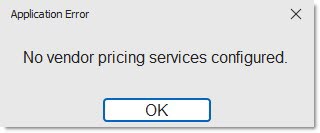
If the PW customer database is not currently subscribed to any Central Service and an attempt is made to open the screen, the application displays the prompt:
Drop-down that displays the name of the Central Service.
Displays a list of store Lines "excluded" from the Central Service.
Allows changes to be made to the grid, affecting the lines that are "excluded".