Tender Coupon List Tab
The Promotions Setup screen is used to set up promotional pricing at point-of-sale.
Menu Path: Customer, Account Maintenance, Account Pricing, Promotions Setup, Promotions Setup screen
.png) Promotional Overview - 6 minutesPromotional Overview - 6 minutes
Promotional Overview - 6 minutesPromotional Overview - 6 minutes
Promotions Configuration - 6 minutesPromotions Configuration - 6 minutes
Campaign Setup - 4 minutesCampaign Setup - 4 minutes
Adding Promotions - 6 minutesAdding Promotions - 6 minutes
Promotions Basic Setup - 5 minutesPromotions Basic Setup - 5 minutes
Promotions Advanced Settings - 5 minutesPromotions Advanced Settings - 5 minutes
BOGO Pkg Setup - 4 minutesBOGO Pkg Setup - 4 minutes
Qty Break Single Item - 6 minutesQty Break Single Item - 6 minutes
Tender Coupon - 5 minutesTender Coupon - 5 minutes
Promotions Proration Pricing - 4 minutesPromotions Proration Pricing - 4 minutes
Invoicing Promotions 1 of 2 - 6 minutesInvoicing Promotions 1 of 2 - 6 minutes
Invoicing Promotions 2 of 2 - 5 minutesInvoicing Promotions 2 of 2 - 5 minutes
Invoicing Promotional Coupons - 6 minutesInvoicing Promotional Coupons - 6 minutes
Reporting Promotions - 6 minutesReporting Promotions - 6 minutes
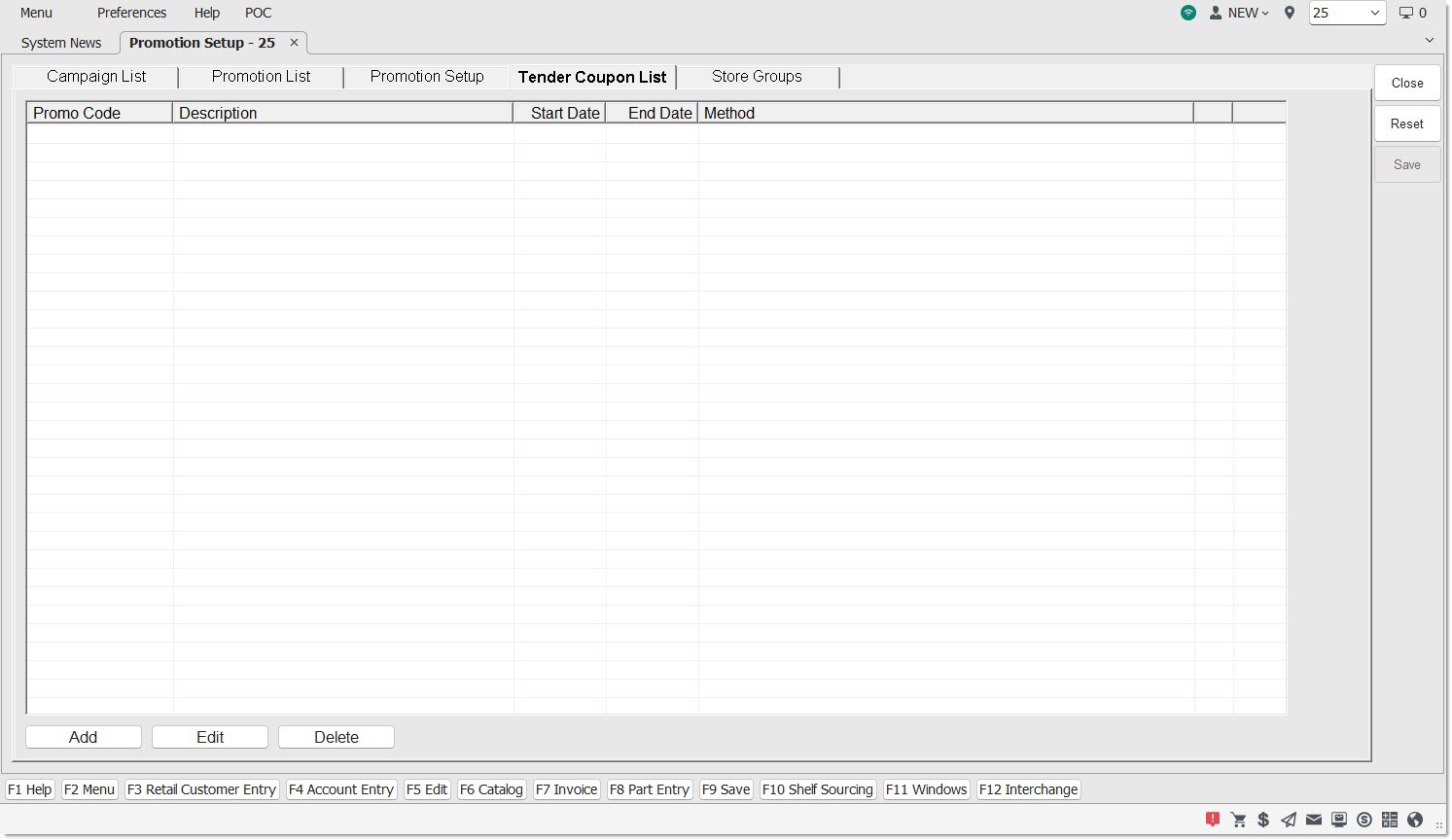
The 'Tender Coupon List' tab is used to add, edit, and delete all tender coupons.
Code
Displays the identifier of the coupon code.
Description
Displays more information about the selected coupon code.
Start Date
Displays the date the validity of the coupon code begins.
End Date
Displays the expiration date of the coupon code.
Method
Displays the selected method of promotion for the tender coupon.
Add
Click the 'Add' button the 'Add Tender Coupons' window opens, allowing the creation of tender coupons.
Edit
Highlight a row in the grid and click the 'Edit' button, and a pop-up opens to allow the editing of an existing tender coupon.
Delete
Highlight a row in the grid and click the 'Delete button' and the tender coupon is deleted.
The application will prompt to make sure the deletion of the tender coupon is desired.
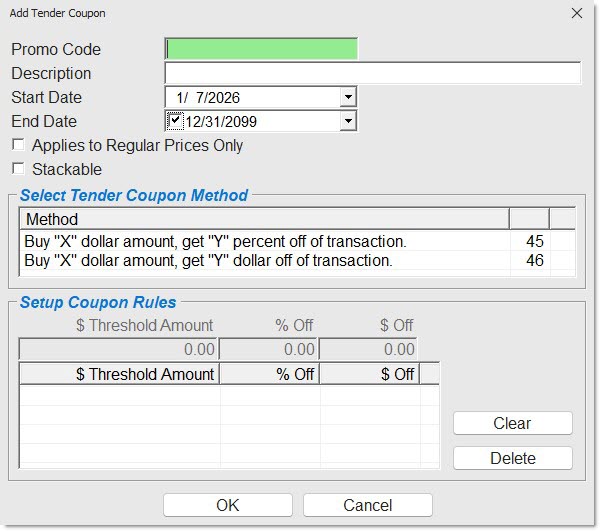
Add Tender Coupons Window
The 'Add Tender Coupon' window allows the adding of a tender coupon to the grid in the 'Tender Coupon List' tab of the Promotions Setup screen. Access the 'Add Tender Coupons' window by clicking the 'Add' button underneath the grid.