Logging In
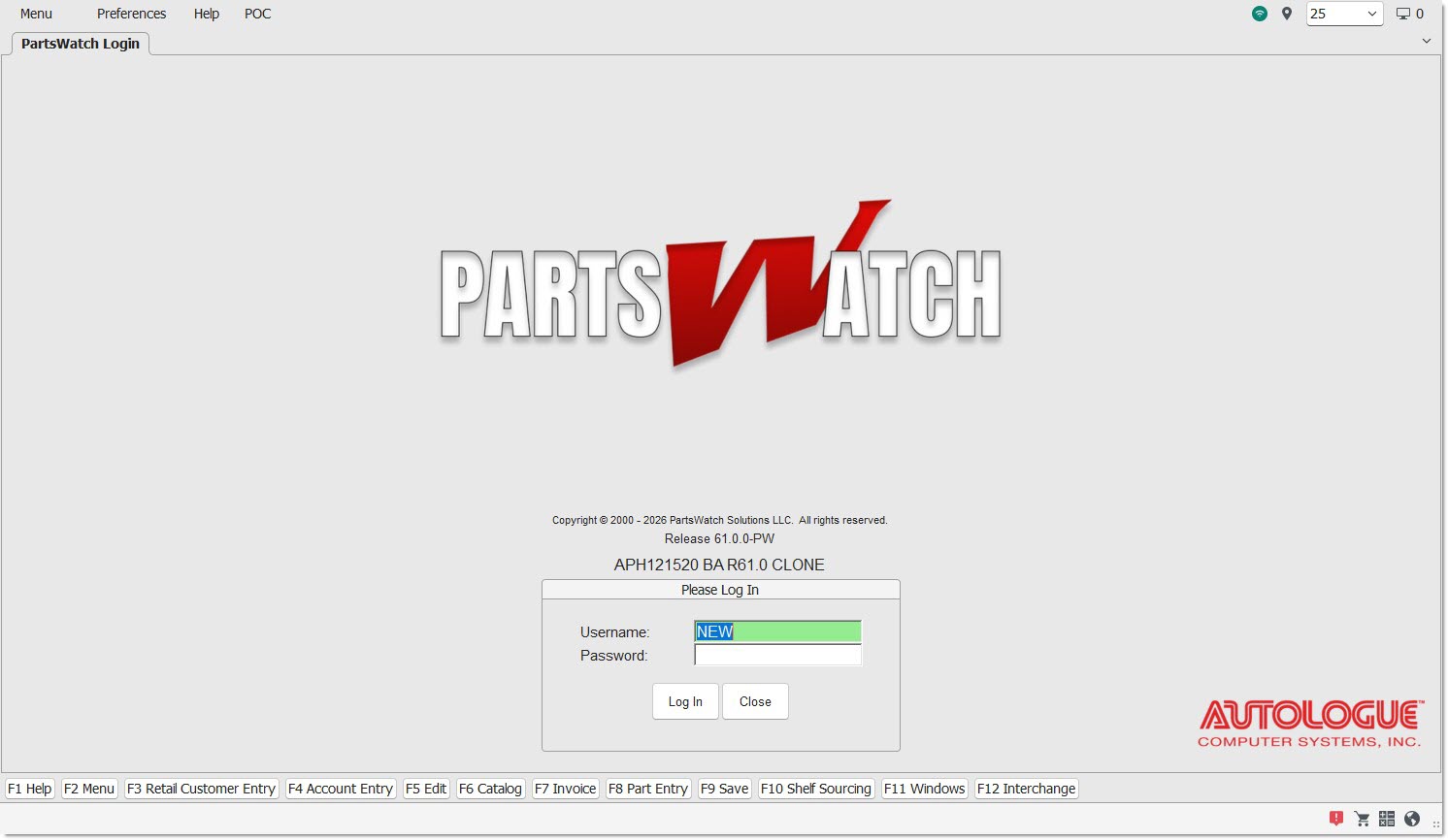
PartsWatch requires a 'Username' and 'Password', as well, on the Login so that only those with permission can conduct business. The 'Username' and 'Password' are pre-assigned by the System Administrator and should be kept private.
Enter the 'Username' and 'Password' to navigate to the System Information screen, also known as the Home screen.
Logout
From the Home screen, the 'Logout' button closes PartsWatch but the Login screen remains open so another person may login to PartsWatch.
From the Home screen, the 'Close' button displays a message stating, "Do you want to exit?" with 'Yes' and 'No'. Select 'Yes' to close PartsWatch completely. Select 'No' to remain on the Home screen.
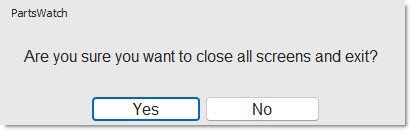
Click on the right uppermost 'X' in the top border of any screen in PartsWatch to close the PartsWatch application. This logs out of the application.

Within any module, click on the right uppermost 'X' in the border to close the module and return to the Home screen. This does not log the application out.