Smart Page
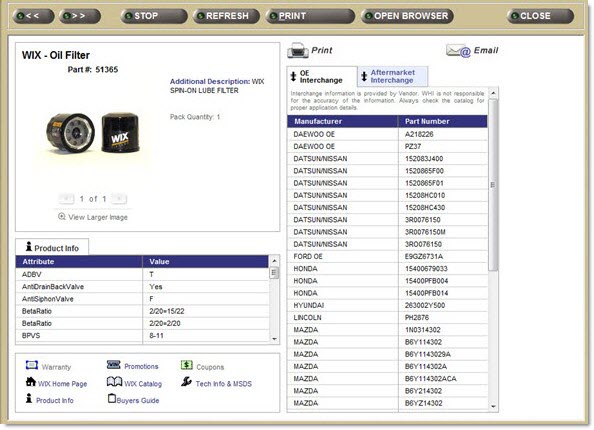
Click the 'Smart Page' command to display a window with diagram and other details about the part, when available.
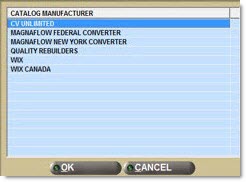
When the Smart Page is accessed from a part number that has multiple catalog brands, the following window displays before loading the Smart Page to allow the selection of the brand.
When no Smart Page data is available, the following pop-up displays:

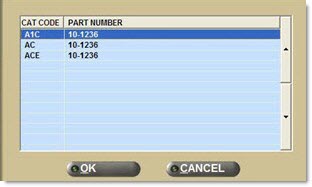
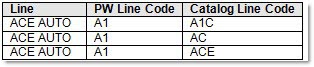
When the selected line is tied to more than one Catalog code, which is set up in the Catalog Vendor Setup screen, the part could be found under more than one of those Catalog codes. For example, PartsWatch Line Code A1 might be tied to the following Catalog Line Codes:
When a selected part is found under more than one Catalog Line Code, the following pop-up displays for selection: