Reprint Tender Receipts
The REPRINT TENDER RECEIPTS screen is used to reprint cash slips tendered with credit and debit cards for any reason, and is generally used in the event the receipt printer malfunctions.
Menu Path: Invoicing, Reprint Tender Receipts, REPRINT TENDER RECEIPTS screen
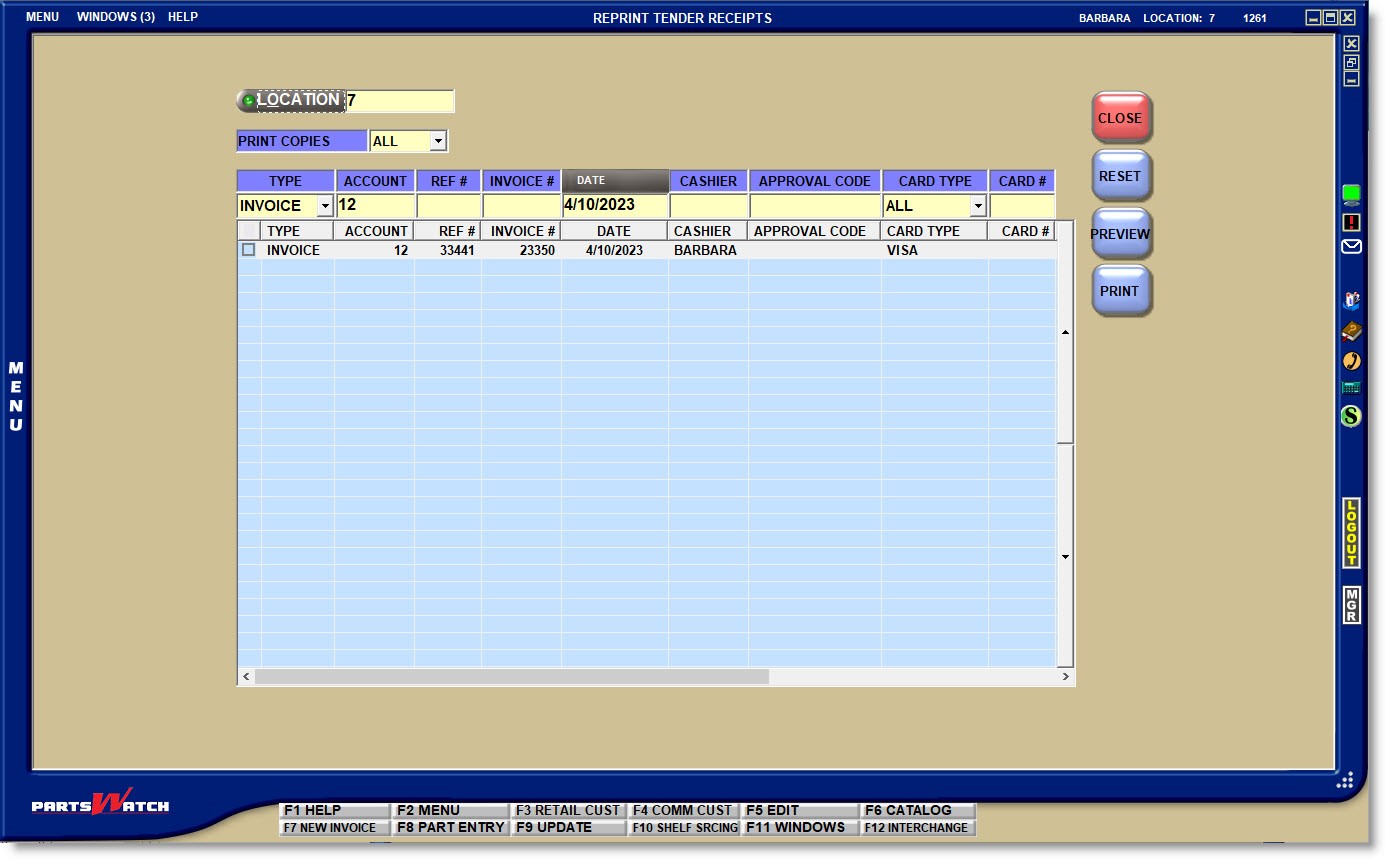
A number of fields are available to filter the results in order to find the correct receipt.
LOCATION
The field defaults to the current store. Click the button to open the 'BROWSE LOCATIONS' window to select a location if the receipt was printed in a different store. Field access is controlled with User Security / Store Group permissions.
- 'MERCHANT' - Outputs the merchant copy only.
- 'CUSTOMER' - Outputs the customer copy only.
- 'ALL' - Outputs both the merchant and the customer copies.
Narrow the search by the type of transaction:
- 'INVOICE' - Finalized invoices only.
- 'DEPOSIT' - Deposit invoices only.
- 'ROA' - ROA receipts only.
- 'ALL' - Finalized invoices, deposit invoices, and ROA receipts.
ACCOUNT
Narrow the search to a single account by entering the account number.
REF #
Narrow the search to a single receipt by entered the Invoice Reference Number or ROA Reference Number.
INVOICE #
Narrow the search to a single cash slip receipt by entering the Invoice number.
DATE
Narrow the search by selecting the date the invoice or ROA was tendered. Defaults to the current date.
CASHIER
Narrow the search by the employee who created the transaction.
APPROVAL CODE
Enter an Authorization Response Identification approval code to narrow the search. Defaults to blank for all approval codes.
CARD TYPE
Narrow the search by a single type of card by clicking the drop-down field and selecting a credit card type, or debit or gift card. The list displays each card type accepted at tender.
CARD #
Narrow the search by entering the last 4 digits of the card used at tender.
Search Grid
The grid displays the following information to assist in finding the correct transactions:
- 'TYPE'
- 'ACCOUNT'
- 'REF #'
- 'INVOICE #'
- 'DATE'
- 'CASHIER'
- 'APPROVAL CODE'
- 'CARD TYPE'
- 'CARD #'
- 'AMOUNT'
- 'PO #'
- 'MEMO'
Note: Several fields display using the horizontal scroll bar.
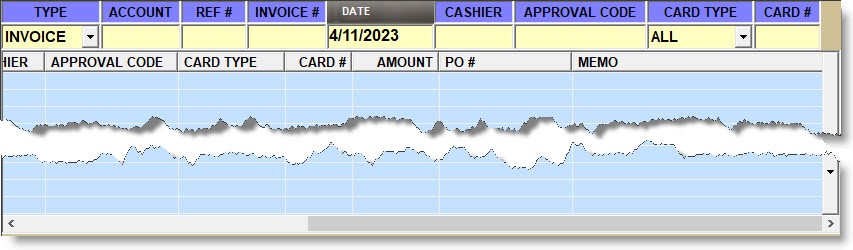
The 'TYPE' filter defaults to 'INVOICE' and the 'DATE' filter defaults to the current date so that the grid displays each invoice created on the current day when the screen opens.
The search results are sorted from the newest to the oldest by date.
If there is more than one transaction for the same invoice, the grid displays each on a separate row.
A small checkbox displays to the left of each row. Check the row or rows and click the 'PRINT' or 'PREVIEW' button to output the copies depending on the value selected in the 'PRINT COPIES' field.

Receipt copies are printed to the designated terminal 'SLIP' printer.
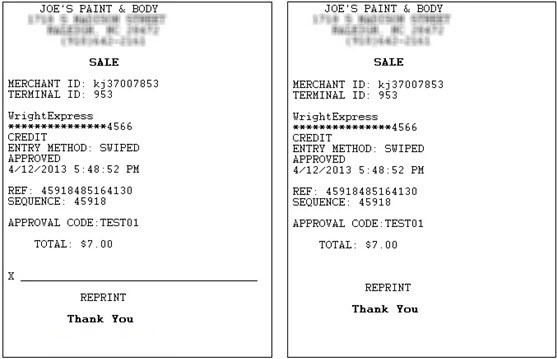
The reprints are exact copies of the original receipts and have the word "REPRINT" at the bottom of both the merchant and customer copies.
The text "MERCHANT COPY" and "CUSTOMER COPY" do not print on reprints. The merchant copy has a signature line and the customer copy does not.