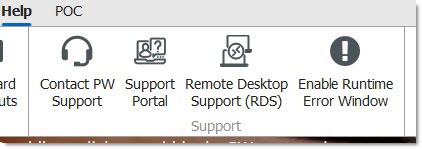
Enable Runtime Error Window
The Runtime Error window can display when a runtime error occurs in PartsWatch, causing the application to close. By default, the window does not display and the errors are submitted to PartsWatch without intervention.
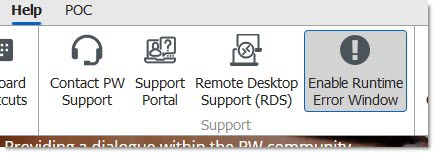
Menu Path: Help, Enable Runtime Error Window
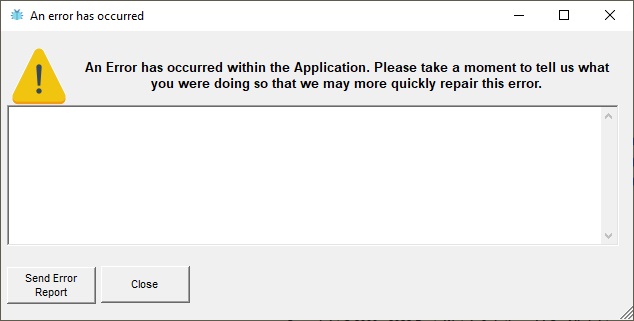
Optionally toggle the menu selection to checked, and the Runtime Error window displays when the application encounters a runtime error.
Optionally enter helpful information as to what processes were running and what you were attempting to do when the runtime error occurred, and click the 'Send Error Report' button.
Leave the menu selection toggled to unchecked (default), and the window will not display when the application encounters a runtime error. The error information is still submitted to PartsWatch.