Report Processing
Once the report criteria are determined, click 'Preview' or 'Print' to preview or print the report.
While the records are being retrieved, a window displays the 'Retrieving Data' progress. The 'Requests' section displays the overall progress of all requests/queries used to retrieve the report's output.
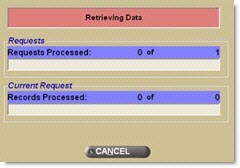
When all records have been found, the 'Requests' section indicates completion (e.g., 1 of 1). The window now displays the 'Processing Report Data' progress. The 'Current Request' section displays progress of record retrieval for the current request being processed.
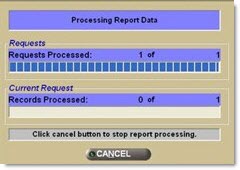
The number of records being retrieved determines the completion time for generating the report. Click 'Cancel' at any time during the data retrieval process, and the process ceases, and the report screen redisplays. The 'Cancel' function is only available when the number of Records Processed is greater than zero (0).