System Statistics
The Current System Statistics screen displays statistical information for a single store location, with the option to specify a manufacturer to view the number of part numbers specific to that manufacturer. The information defaults to the store location specified in the Store Number module, which may be accessed from the Menu.
Menu Path: Utility Options, System Statistics, Current System Statistics screen
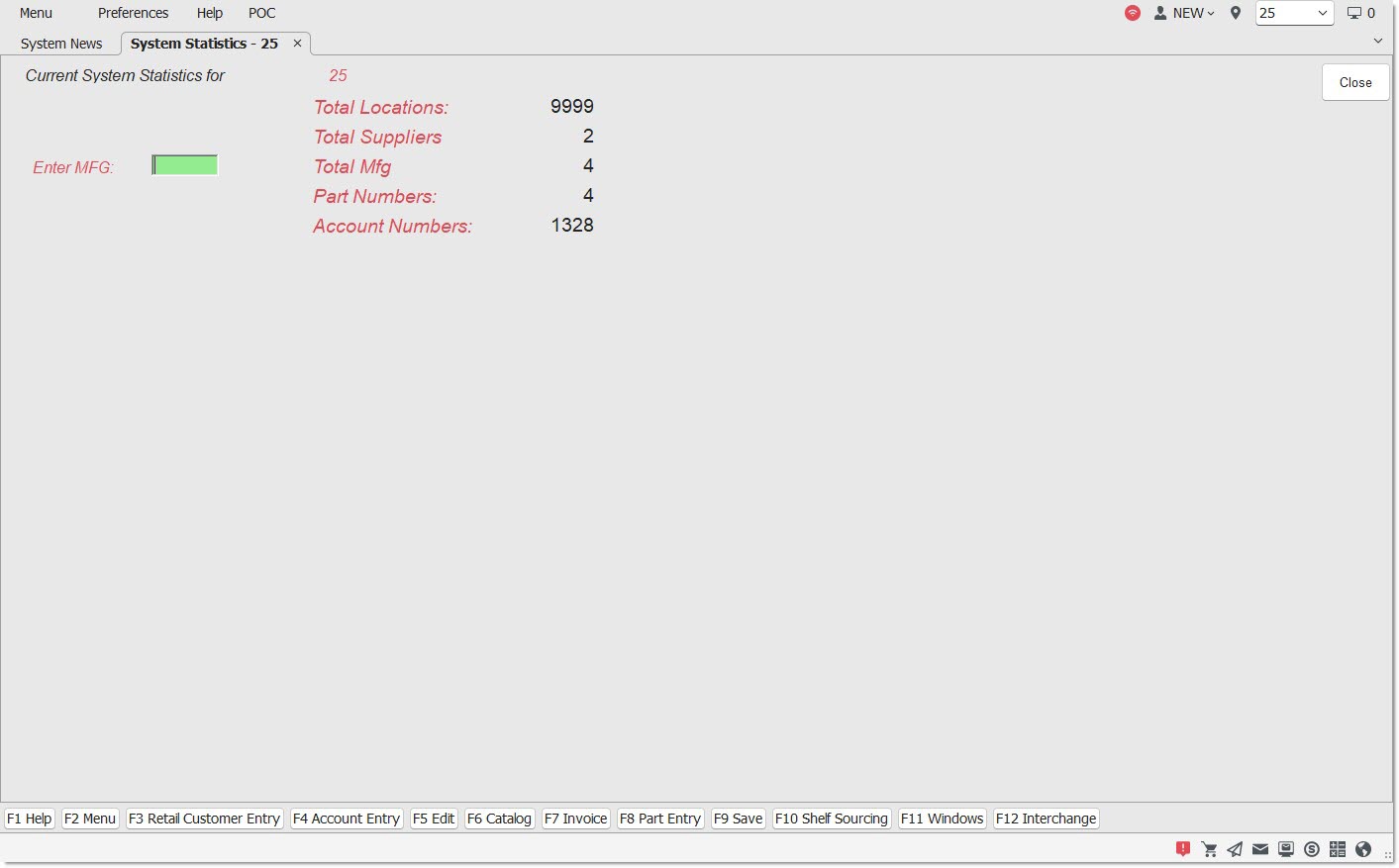
Upon opening, the screen automatically populates with the total count for each of the following categories for the store that is listed as the current location:
The 'Part Numbers' field displays the total count of all part numbers in the database. The 'Enter MFG' field is used display the total part number count for a specific manufacturer.
Procedure to Display a Store Location Statistics
To display statistics for a certain location, follow the steps below:
-
From the Menu, select Utility Options, System Statistics. The Current System Statistics screen displays. The cursor focus is in the 'Enter MFG' field.
-
Enter the Manufacturer's three-character code whose part numbers are to be displayed.
-
Press the 'Enter' key. The screen populates with that manufacturer's total part numbers.
-
Click 'Close' to exit the screen, or make another selection from the Main Menu.