Background Reports
Reports in the Background Overview - 2 pages
.png) Background Reports Output Changes - 4 minutesBackground Reports Output Changes - 4 minutes
Background Reports Output Changes - 4 minutesBackground Reports Output Changes - 4 minutes
It is possible to run reports "in the background" while still working inside the application. This allows the system to keep working while data is being processed for the many reports that can be run from the application.
Click the 'Preview' button for any report that can be run "in the background", and a pop-up is displayed.
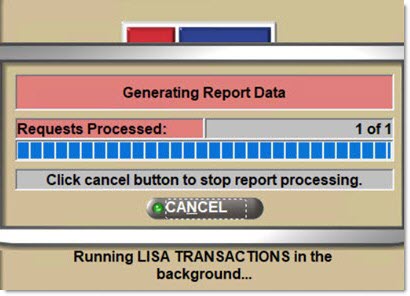
This pop-up indicates that the report has begun to process in the background. A second pop-up displays over the initial one, indicating the progress that the application has made generating the report.
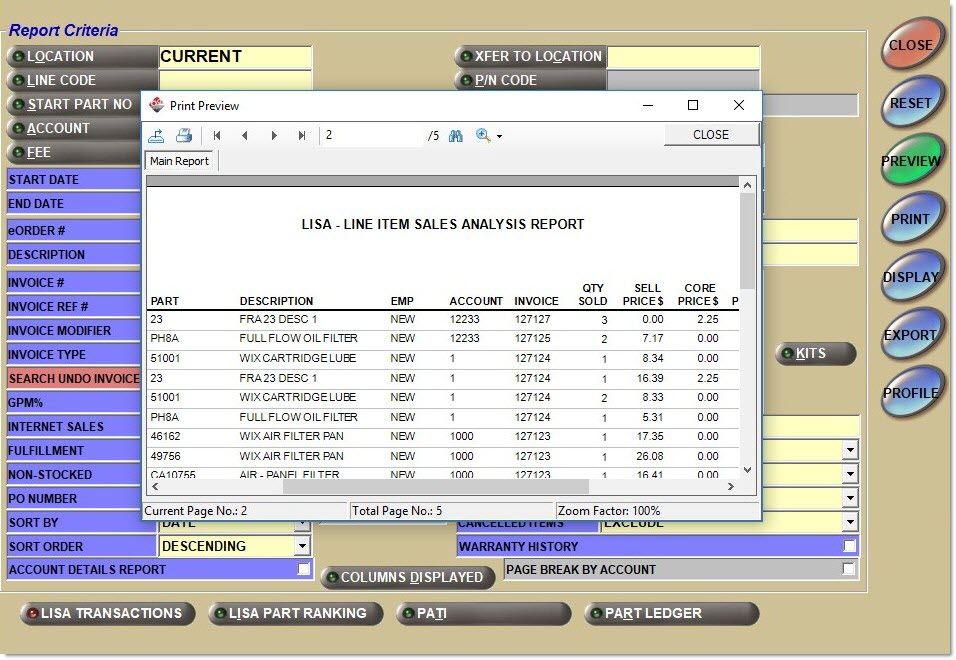
When the report is complete, the application displays it in a second window called 'Print Preview' over the main session of the application; see sample screen below.
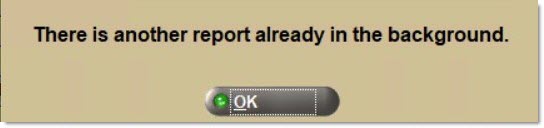
It is not possible to run another report in the background while the same or another report is being processed in the background, and the following prompt displays if the 'Preview' button is clicked while another report is being processed in the background:
When the report preview is available to view, switch between the main session of the application and the generated report.
Background Reports
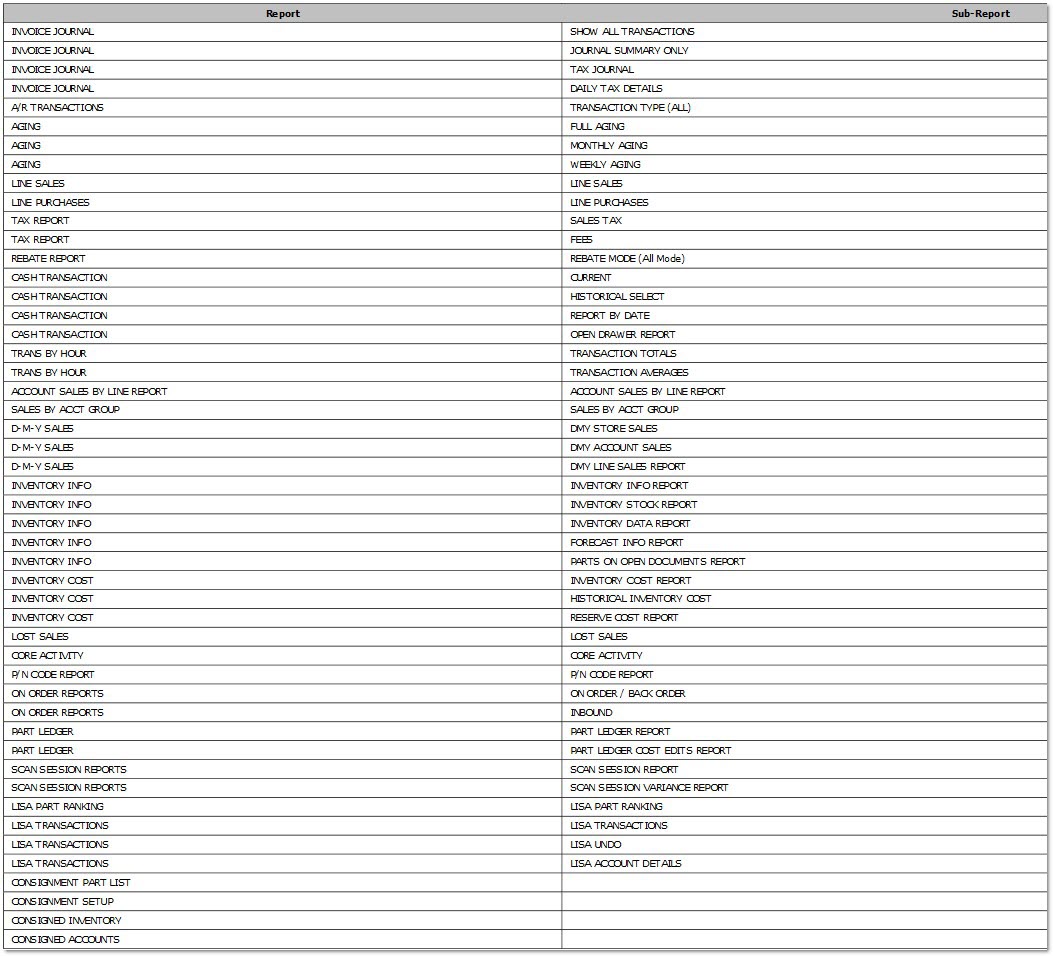
The following chart is a list of the reports that can be run "in the background".