Defective Exchange Modifier
The 'DEFECTIVE EXCHANGE' modifier is used to return a defective part and sell the replacement part in a single step without requiring the invoice to be tendered.
The price is the same for both the return and the replacement parts. When the replacement is the only item on the sales order, the TOTAL amount is $0.00 and tender is not required for the exchange.
The 'DEFECTIVE EXCHANGE' 'POS Modifiers' flag on the SYSTEM INVOICE OPTIONS screen must be checked in order to use the Defective Exchange functionality.
The Defective Exchange modifier is not available if the account is not set to 'ALLOW SALES AND RETURNS ON THE SAME INVOICE'.
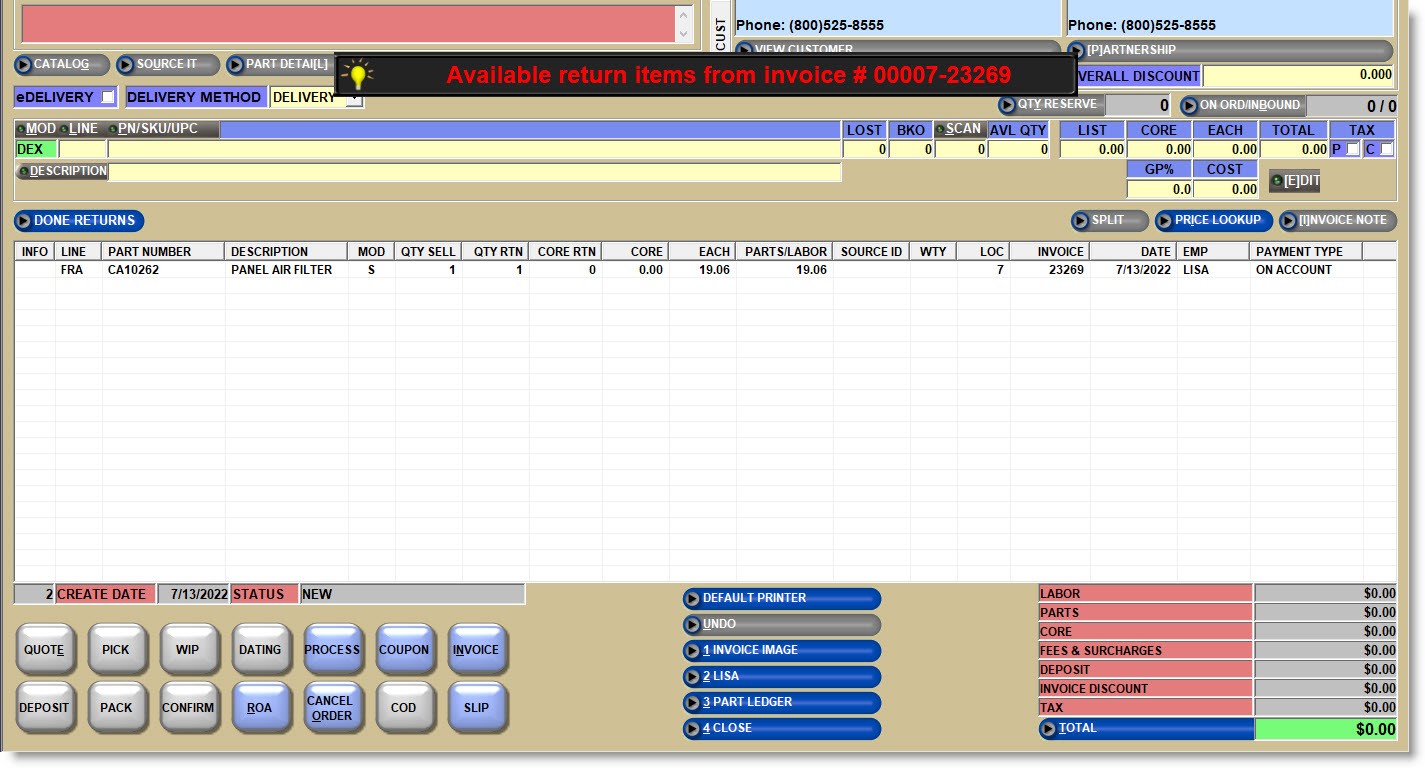
When starting a return, either from Invoice Image or by selecting or entering the 'X' DEX DEFECTIVE EXCHANGE modifier on the sell line and selecting or entering the part to be returned, the part will display in the invoice grid with the 'S' modifier and with the 'QTY SELL' of '1' and 'QTY RTN' of '1'.
Note: If the returned part has been superseded, and the superseded part has zero quantity available at the time of exchange, the superseding part will be added to the sales order instead (regardless of the superseding part’s quantity available).
If the returned part is validated against the original sale (using a receipt or finding the part in purchase history), pricing and taxability, including any overall discount % from the previous sale is used for both the Defective Return item and the replacement item.
Warrantied Defective Exchanges
Additional settings are available on the SYSTEM INVOICE OPTIONS screen and can be enabled/disabled as required:
-
'ENABLE BATTERY WARRANTIES'
-
'PROMPT FOR DEFECTIVE BATTERY CREDIT AMOUNT'
-
'PROMPT FOR DEFECTIVE TIRE CREDIT AMOUNT'
-
'ONLY ALLOW DEFECTIVE EXCHANGE ON FREE WTY'
-
'REST WTY EFFECTIVE DATE FOR DEFECTIVE EXCHANGE'
When the defective exchange modifier is selected and:
-
The returned part has a warranty that contains a free replacement that is not expired, the 'Warranty Effective Date' from the original sale is used as the 'Warranty Effective Date' for the new replacement part.
-
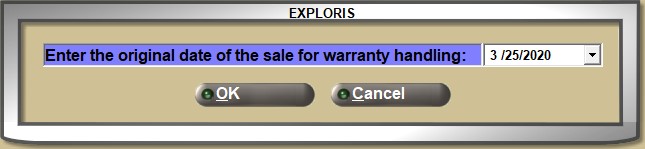
If the returned part has a warranty set up, but the returned part cannot be validated against the original sale (there is no receipt and the part cannot be found in purchase history), a prompt displays with the current date:
-
Edit the date as needed and click 'OK'. The selected date is used as the 'Warranty Effective Date' for the new replacement part.
-
Note: The battery's sticker date should be used.
If the part's warranty had previously expired, this information cannot be determined since the returned part will not be found in the purchase history.
-
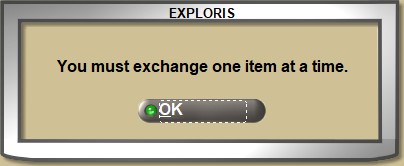
The exchange quantity must be '1' unit. If a quantity greater is entered, the system prompts:
-
Click 'OK' and focus returns to the 'SELL' quantity field.
-
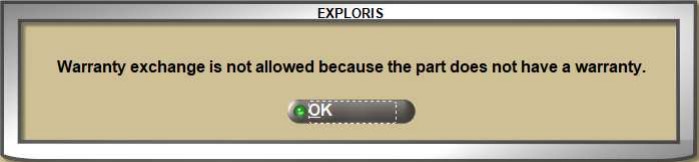
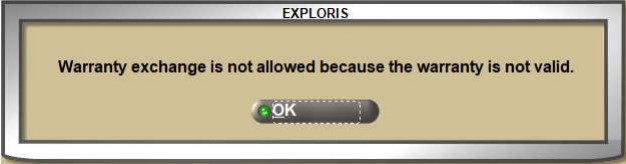
The returned part must have a warranty. If not, a prompt opens and the exchange is not allowed:
-
Click 'OK' and focus returns to the sell line to enter a different return modifier or part number.
-
The returned part must have a free replacement period. If the warranty contains a “mix” of options combined (e.g. free replacement period, proration periods, and refund credit amount options), a prompt opens and the exchange is not allowed:
-
Click 'OK' and focus returns to the sell line to enter a different return modifier or part number.
-
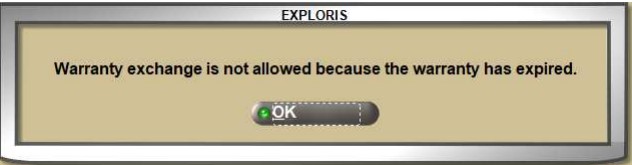
The warranty cannot be expired. If the warranty has expired, a prompt opens and the exchange is not allowed.
-
Click 'OK' and focus returns to the sell line to enter a different return modifier or part number.
If the defective exchange is for a core part:
-
The core price or core cost values are not tracked for either the returned part or the new replacement part sold.
-
If the core part is validated against an original sale in purchase history, the “core quantity returned” is not incremented on the original sales invoice, so that, should the core be returned at a later time, the core return will be valid.
Manual core exchange is not allowed for the replacement part sold of a defective exchange.
-
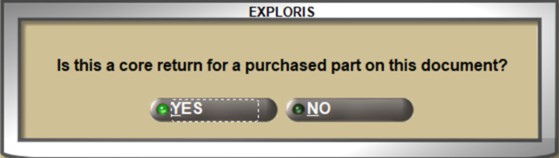
If a defective exchange transaction is on a sales order, along with other parts sold with a core charge, if the Core Return modifier (COR) is selected, the system prompts:
-
Click 'NO' and the transaction continues.
-
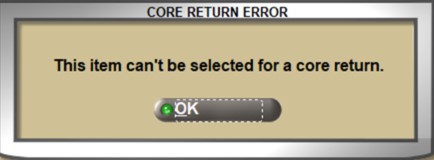
Click 'YES' and the system prompts that the core return is not allowed:
The 'EACH' price is not recalculated and replacement parts are not included in any promotions since the original sale.
The Sell 'QTY' and the Sell Price for either part can be edited by bringing the part back to the sell line.
If the new replacement part does not have sufficient available quantity for the exchange, the replacement is added to the sales order with the 'S' Sell modifier, and however the 'INSUFFICIENT QUANTITY – QUICK SOURCING' window or ADVANCED SOURCING screen can be used to source the part.
When sourcing a replacement part, if Price Setups result in a different sell price than the original sale, the defective exchange can be completed, and the customer charged an additional amount (above the amount of the defective return). The sourced sell price can be edited to match the amount of the defective return (if permissions allow).
The 'RETURNING ITEMS NOT FOUND IN PURCHASE HISTORY FOR COMM CUSTOMER' and 'RETURNING ITEMS NOT FOUND IN PURCHASE HISTORY FOR RETAIL CUSTOMER' User Security procs are used to determine whether to allow a Defective Exchange of a part not found in sales history the same way it is used for returns using the ‘D’ Defective Return modifier.
The 'DEFECT RETURNS VALID DAYS' setting, found on the STORE INVOICE OPTIONS screen, 'RETURNS' tab, is used to determine how long after the original sale a defective return can be done, the same way it is used for returns using the ‘D’ Defective Return modifier.
If a part is manually voided, or scan voided, that was added with a Defective Exchange modifier, both the return and replacement parts are removed from the sales order.