About Financial Reports
On-demand financial reporting is designed to provide needed customer information and to help better track and analyze the company's financial condition, performance, and cash flow.
Depending on the report, financial report screens will have either one or both of the following sections:
Quick Reporting Options - Available on report screens where more than one report can be output. Each different report on the screen is accessed with either a button or a checkbox.

The section may include a green central field displaying the report name.
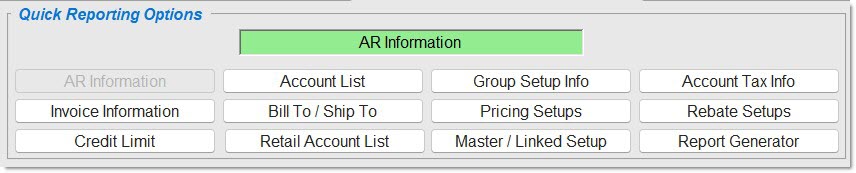
Report Criteria - Available filters to narrow the report being output. Refer to the individual report screens to determine the 'Report Criteria' available.
About Start/End Dates
'CALENDAR'/'FISCAL' - Relative Dates
About Relative Dates
If a field is blank, the filter is not used to narrow the output.
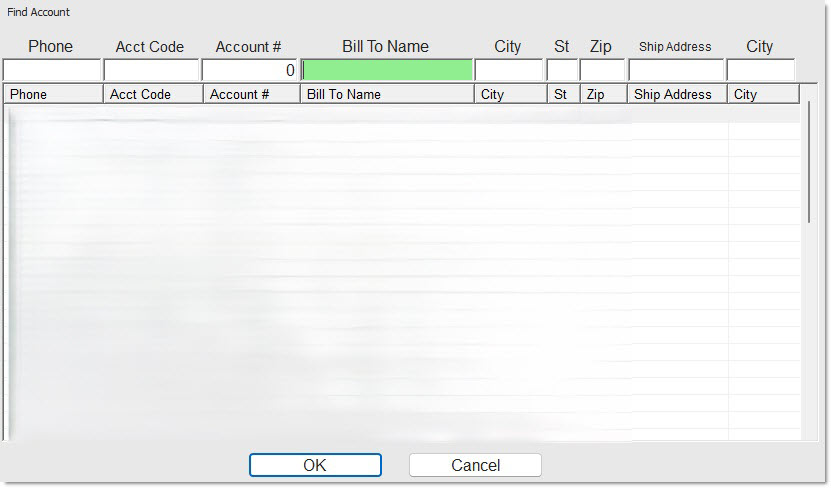
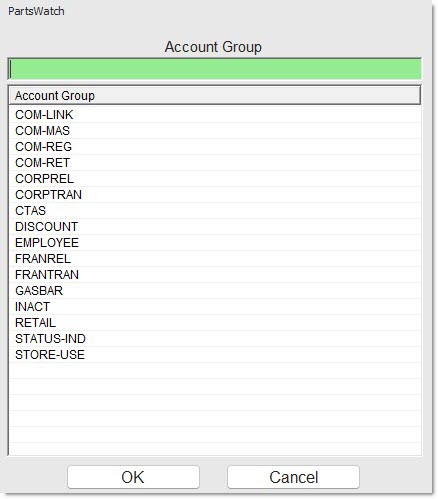
Any filter with both a button and a field normally defaults to blank for "all" and allows a single value to be entered in the field. Clicking the button opens a browser window to select either a single or multiple values, depending on the report.
Example of a browser window that allows a single value to be selected:
Example of a browser window that allows one, multiple, or all values to be selected:
Depending on the report, several output options may be available to determine how the report is output. For example:
- 'SORT BY'
- 'SORT ORDER'
'PROFILES' are used to save the report setups so they do not have to be reset each time the report is run.
Report Output
Reports can be output to a printer by clicking the 'PRINT' button or previewed by clicking the 'PREVIEW' button.
If available, click the 'DISPLAY' button to view the report output on the screen. 'DISPLAY' is used to allow the selection of additional fields in order to customize the report output.
Either the report will display at the bottom of the report screen or a full display screen will open to view the report.
EXPORT
If available, click the 'EXPORT' button to output the report to an Excel spreadsheet. A progress indicator may display if the report takes time to generate.