Clear Cached Data
Menu Path: HELP, Clear Cached Data
Upon login, PartsWatch retrieves information from the data server that is needed the most, and "caches" or saves it temporarily in local memory so that the information can be found quickly for the work being done in PartsWatch.

When changes are made in any of the setup screens, it is not in the cached data memory until the cache is refreshed either by:
-
Logging out and back in to PartsWatch
-
Clicking 'Clear Cached Data' from the 'HELP' menu.
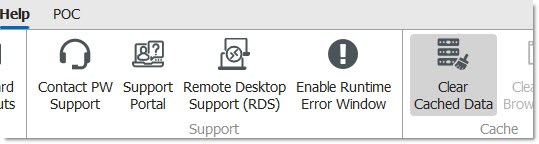
Click ‘Clear Cached Data’ and the system refreshes the data in memory so that the changes just made are included.
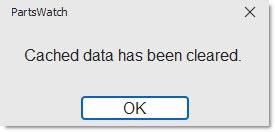
When memory has been refreshed, the system prompts that the data cache has been cleared. Changes will be available from the application.