Consignments Tab
Click the 'CONSIGNMENTS' tab at the top of the STORE GENERAL SETUP screen to display a page with consignment setups.
The screen provides several separate tabs for setup:
- Store General Setup - 'Store Information' Tab
- Store General Setup - 'Deferred Core' Tab
- Store General Setup - 'Report GPM %' Tab
- Store General Setup - 'G/L Export' Tab
- Store General Setup - 'SORO' Tab
- Store General Setup - 'IWS' Tab
- Store General Setup - 'Shelf Sourcing' Tab
- Store General Setup - 'Email' Tab
- Store General Setup - 'Price Change' Tab
- Store General Setup - 'Cash Drawer' Tab
- Store General Setup - 'Time Clock' Tab
- Store General Setup - 'Consignments' Tab
Menu Path: Controls, Store, Store Info, STORE GENERAL SETUP screen, 'CONSIGNMENTS' tab
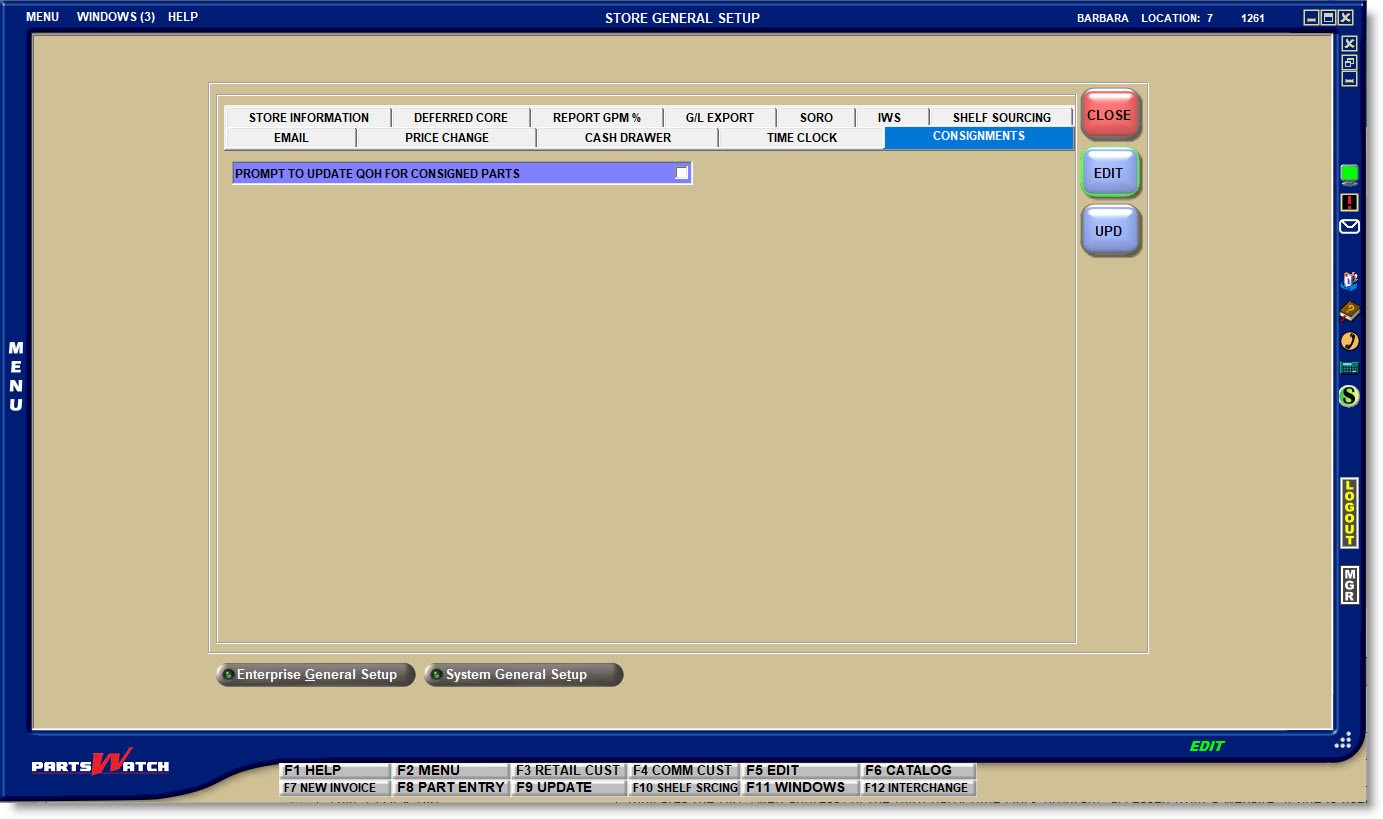
PROMPT TO UPDATE QOH FOR CONSIGNED PARTS
Since consignments must be created before pulling the parts from stock, the setup is used to determine whether or not to prompt "Are you sure?" before removing stock from the QOH when the 'UPDATE STOCK' button is clicked while the setup is still in "draft" status.
- Checked - A prompt opens asking whether or not to update (decrease) the QOH for all consigned parts.
- Unchecked - The system does not prompt and automatically updates the QOH for all consigned parts when the 'UPDATE STOCK' button is clicked.
Note: Regardless of the setup, the system always updates (increases) the QOH for all consigned parts being returned.